Dating app photo guide
A clear, well-lit profile photo helps people see who they’re meeting. Use these examples to choose your main photo and pick a few more that show your interests.
A great photo does the hard work for you
You do not need to be a model. You need to be clearly visible, genuine, and well-lit. Profiles with at least one sharp, smiling, solo photo get noticed far more often than profiles with dark, blurry, or faraway shots.
Do this
Seven things that reliably make a profile photo work.
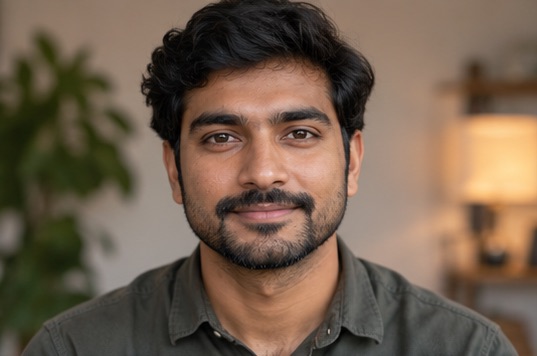
👤 Lead with a clear face shot
Your main photo should show your face clearly, from the shoulders up, looking toward the camera. This is the single most important picture you will upload.
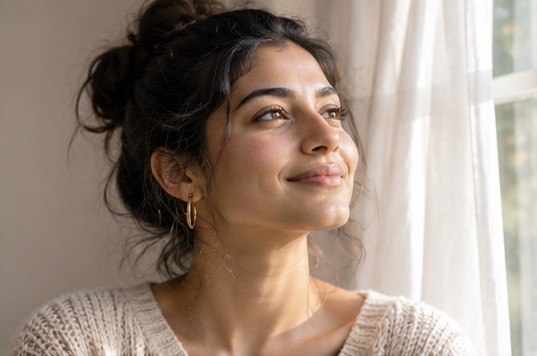
☀️ Use natural light
Soft daylight near a window, or outside in the shade, is the most flattering light there is — and it is free. Avoid harsh overhead lights and dim rooms.
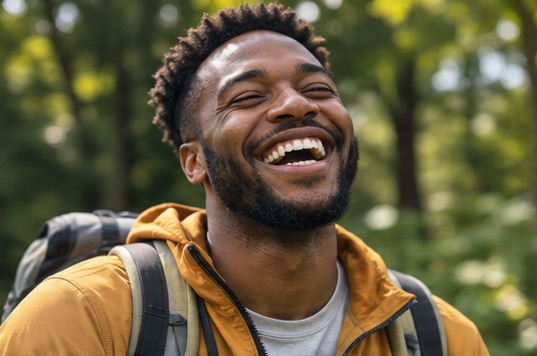
😊 Show a genuine smile
A real, relaxed smile reads as warm and approachable. A photo taken mid-laugh almost always beats a posed, serious one.
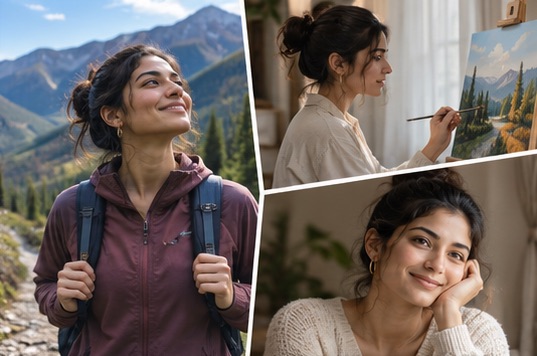
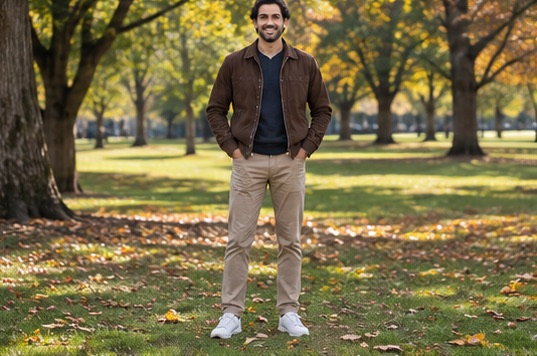
🖼️ Add variety
Upload a few: one clear face shot, one full-body photo, and one of you doing something you love. Variety tells a story and gives people a reason to connect.
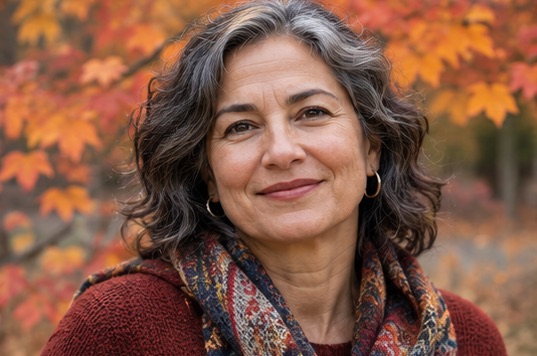
🗓️ Keep it recent
Use photos from the last year or so. Pictures that look like you today set up an honest, comfortable first meeting.
🙋 Go solo in your main photo
Save group photos for later in your gallery. In your first picture, people should never have to guess which person is you.
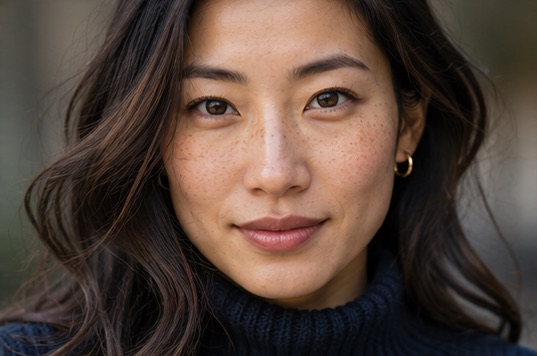
🔍 Upload high resolution
Sharp, high-quality images look more trustworthy. Send the original from your phone rather than a screenshot or a shrunken copy.
Avoid this
Each of these quietly costs you matches.

🚫 Blurry or dark photos
If people cannot see you clearly, they swipe on. Blur and low light are the number-one reason a good profile gets skipped.

🚫 Heavy filters
Strong filters and over-editing make a photo look like it is hiding something. A little polish is fine; a different face is not.
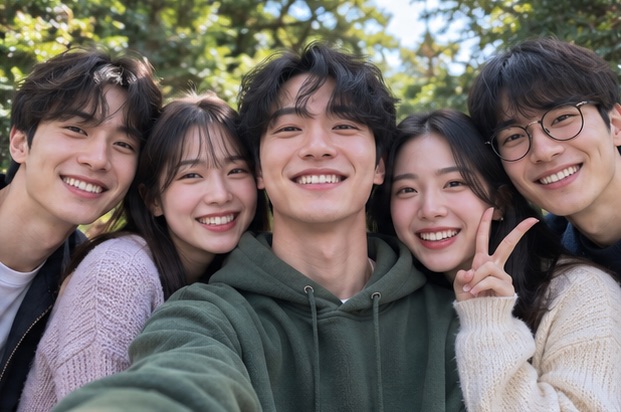
🚫 A group photo as your main
Nobody should have to work out which person is you. Lead with a solo shot, every time.
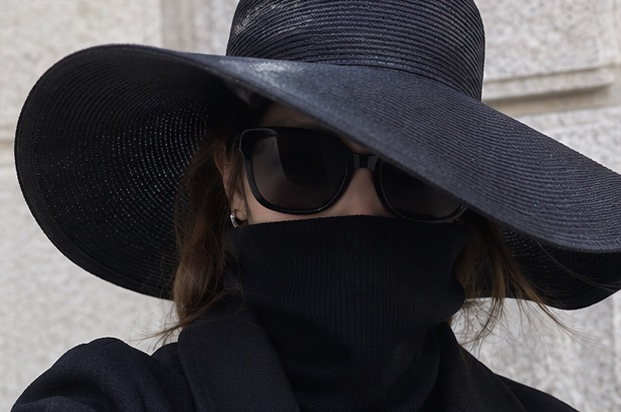
🚫 Sunglasses, hats, masks
Anything that hides your eyes or most of your face in your main photo breaks the connection before it starts.
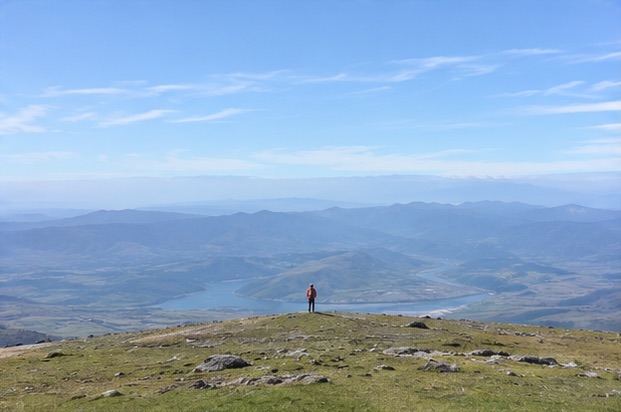
🚫 Tiny, faraway shots
If you are a speck against a landscape, it is a holiday photo, not a profile photo. Get close enough to be seen.
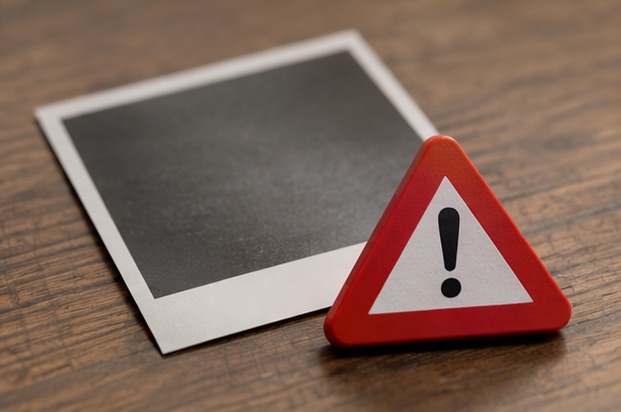
🚫 Explicit or offensive images
Every photo is reviewed by a real person before it goes live. Nudity, hateful, or offensive content will not be approved — keep it respectful.
Take a great one right now
Find the light. Stand facing a window, or step outside into open shade. Let the light fall on your face, not behind you.
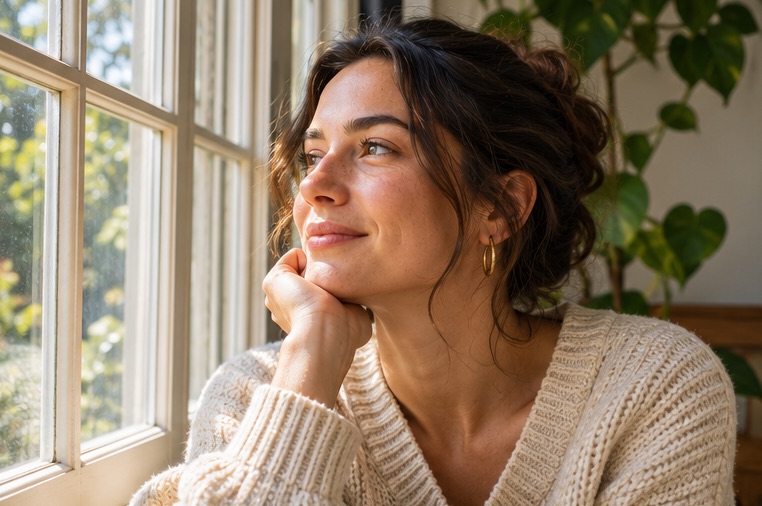
Clear the background. A plain wall or simple scene keeps the attention on you. Tidy away clutter.
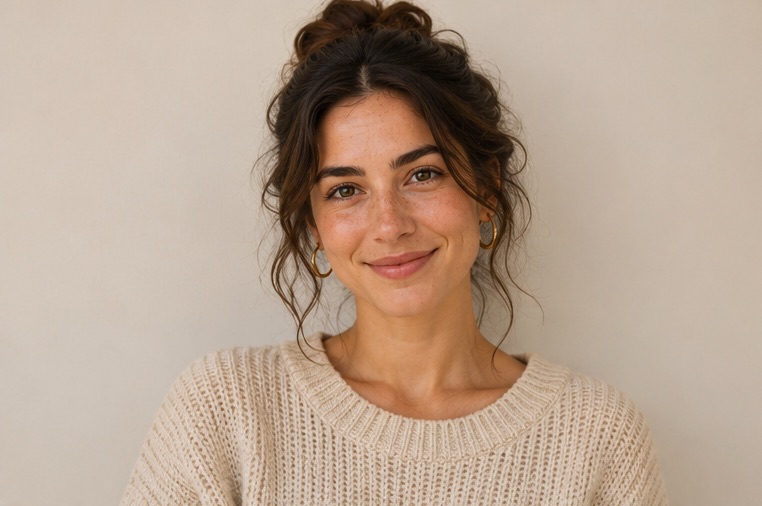
Hold the camera at eye level and take several shots. Think of something that makes you laugh — the candid frame between poses is usually the best one.
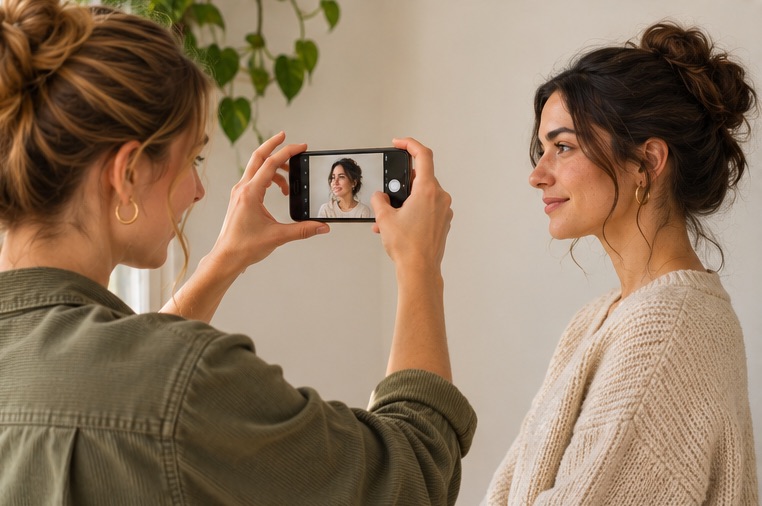
Pick the clearest, happiest one as your main photo, then add two or three more that show different sides of you.
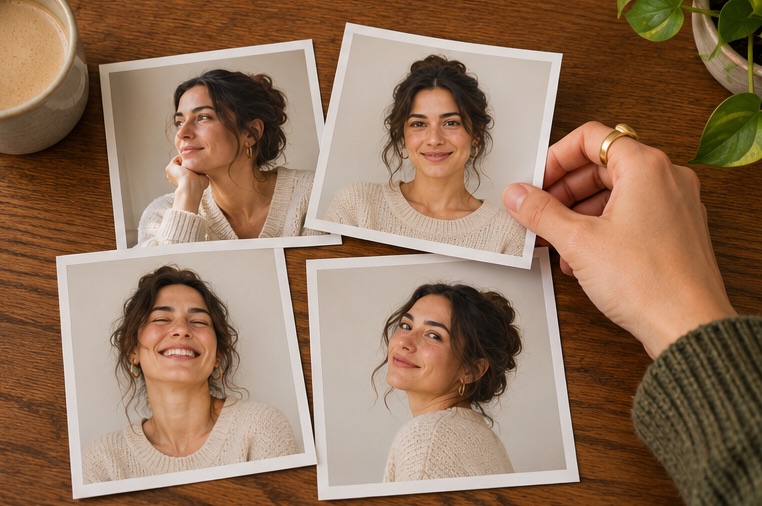
Once you’ve picked your photos, see how profile discovery and matching work on Inder App.
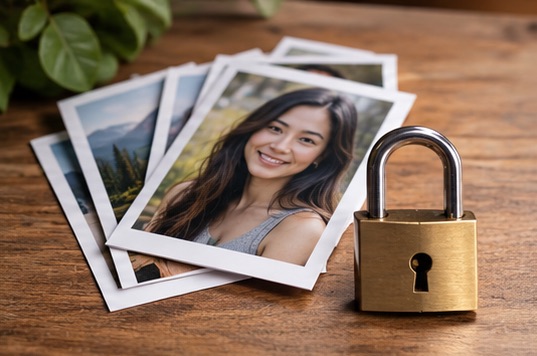
Your photos are private and protected
When you upload a picture, Inder App re-encodes it and strips hidden data such as the location where it was taken, then stores it encrypted with AES-256-GCM. Only people you are matched with — and our human moderators — ever see it.
Accepted formats are JPEG, PNG, and WebP, up to 5 MB each. Every photo is reviewed before it appears, so it may take a little time to go live.
Ready? Add your photos
One clear, genuine photo is all it takes to start swapping and connecting. You can always add more later.
Upload a photo now